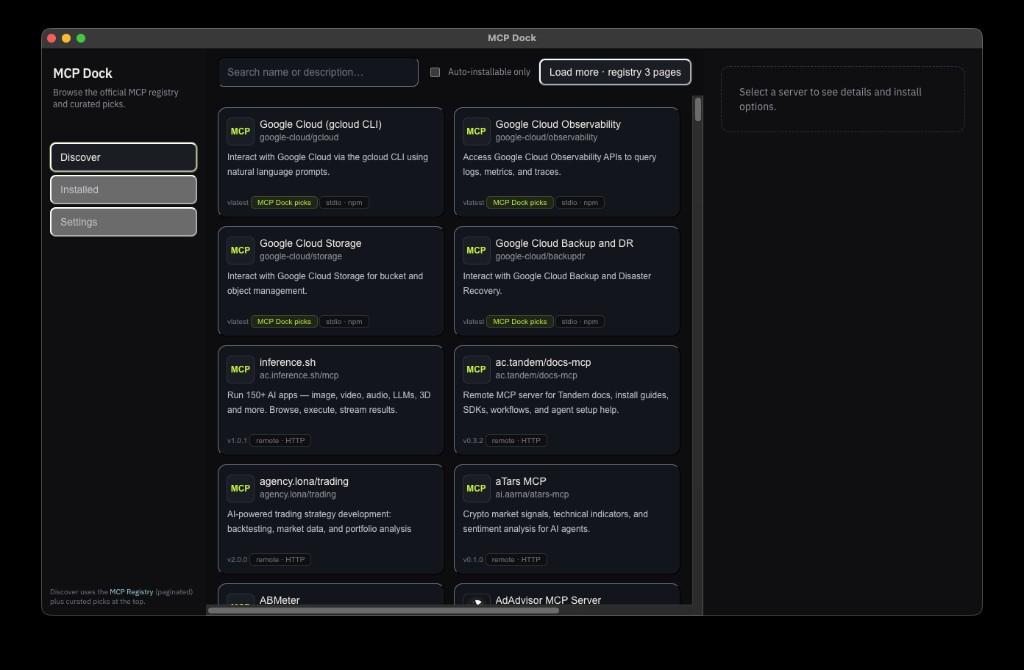
Browse the MCP Registry and install servers in one place.
MCP Dock helps you discover MCP servers, review what they do, and install them into Cursor, Claude Desktop, and VS Code with a clean, focused workflow.
Features
Everything you need to go from “what servers exist?” to “it’s installed and working”.
Registry browsing
Find servers by category and quickly understand what each one provides.
Opinionated defaults
Get a sensible starting point, then adjust settings to match your workflow.
Install destinations
Install into your supported editors and keep the setup consistent across machines.
How it works
A tight loop that keeps you moving without hiding the details.
1) Discover
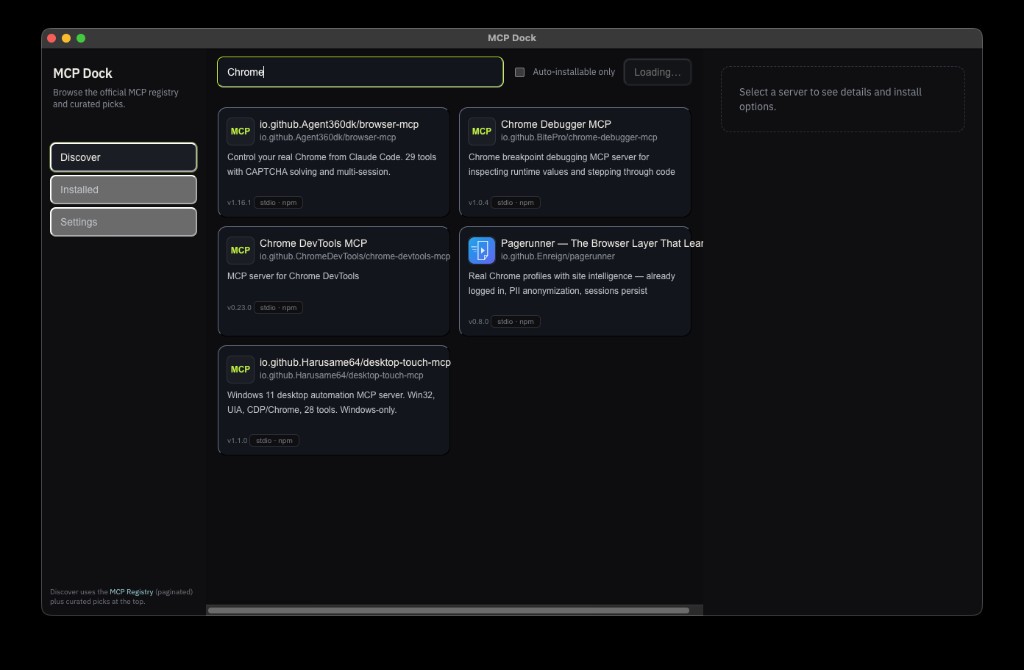
Browse the registry, compare options, and shortlist what you want to try.
2) Configure
Set up environment variables and settings once, with a clear view of what will be installed.
3) Install
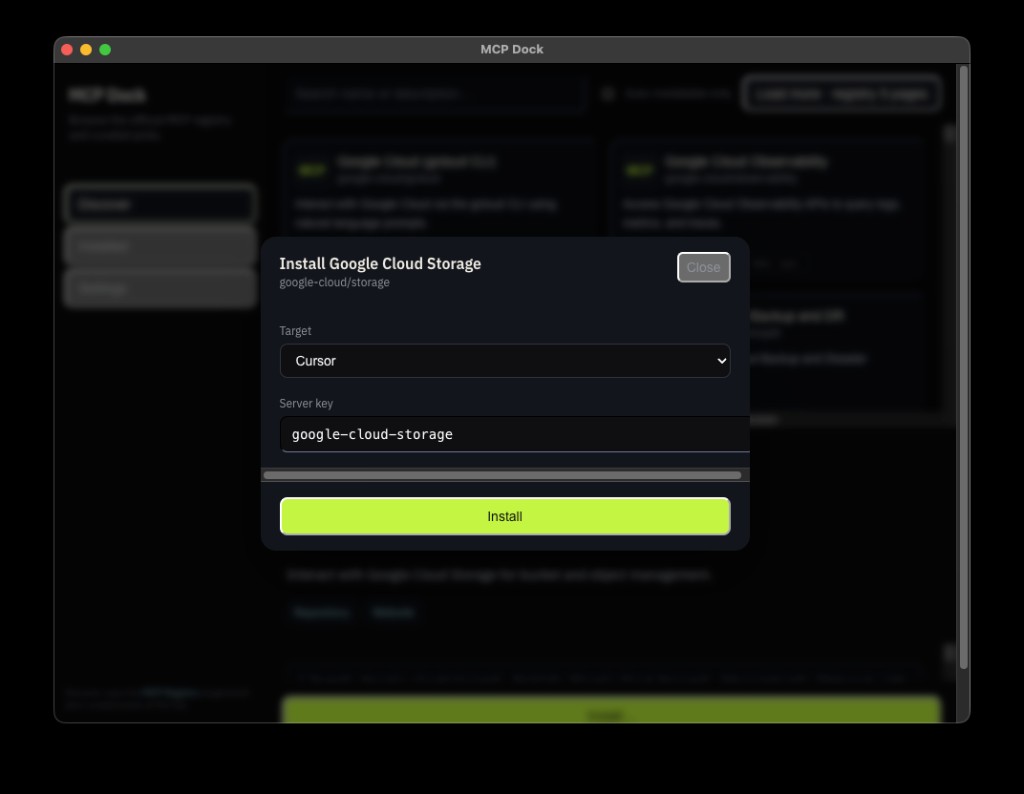
Apply the configuration to your editor(s) and iterate quickly as you test servers.
4) Maintain
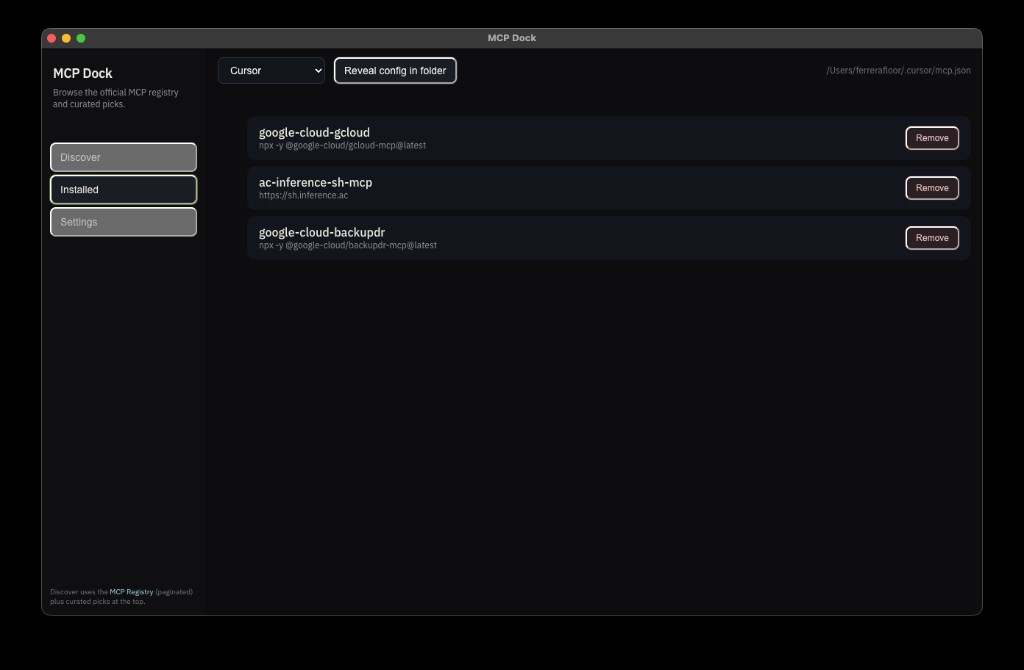
Keep track of what you installed, where it went, and what to update next.
Screens
A quick look at the flow from discovery to install.
FAQ
Which editors are supported?
MCP Dock focuses on installs for Cursor, Claude Code, and VS Code.
Where do I get builds?
Grab the latest installer from GitHub Releases.
Can I contribute?
Yes — the project is on GitHub. Issues and PRs are welcome.